Your next lost job
is a follow-up
you'll forget.

Kratt handles the follow-ups, reminders, and job notes — the tedious 90% that eats your day. You stay focused on the work that actually needs you.

No app to download  ·  Works through WhatsApp  ·  First 30 days $1

★★★★★ 4.8 Contractor reviews via Domera
Setup takes 3 minutes — just text your preferences Quote captured, follow-up reminder set automatically Reminder fires, call happens, $25k won 2-hour and 1-hour reminders before every job

Contractors the Domera team has worked with

Casden Development Golden State Designs Nagar Builders Nucon Builders All Star Construction DoPro Construction Gather ADU Mojey Ghafouri CRS Builders
No app to download
Works through WhatsApp
Google Calendar sync
30-day trial — just $1
Cancel any time
I  ·  The three problems

The jobs you lose aren't lost on site. They're lost in the noise after.

01
1 in 3 quotes
never followed up

Quotes go cold

You send a quote, you're back on a job site, and three weeks later you realise you never followed up. The job went to someone else.

02
47 minutes
of admin every day

Notes stay in your head

Client said they wanted extra insulation. You remember it now, on a Friday evening. You won't remember it Monday morning.

03
$3,200/month
left on the table

Reminders get forgotten

You know the appointment is tomorrow. There's no nudge. You show up without yesterday's notes and spend the first ten minutes catching up.

II  ·  How it works

Three steps. No new software to learn.

Step 01

Sign up and pay

Takes five minutes. Enter your name, email, and phone. Kratt starts a WhatsApp conversation with you automatically.

Step 02

Answer a few setup questions

Kratt asks about your working hours, reminder preferences, and how you like to communicate. All via WhatsApp. Under 3 minutes.

Step 03

Connect your calendar

Link your Google Calendar. Kratt starts watching your appointments and sends you a link to confirm. You're live.

Try it yourself

See how Kratt briefs you each morning

On appointment days, Kratt sends you a summary before you start. Click a reply to see how the conversation unfolds.

Kratt
Your work assistant
III  ·  What Kratt does

Everything that runs in the background. All through WhatsApp.

Appointment reminders

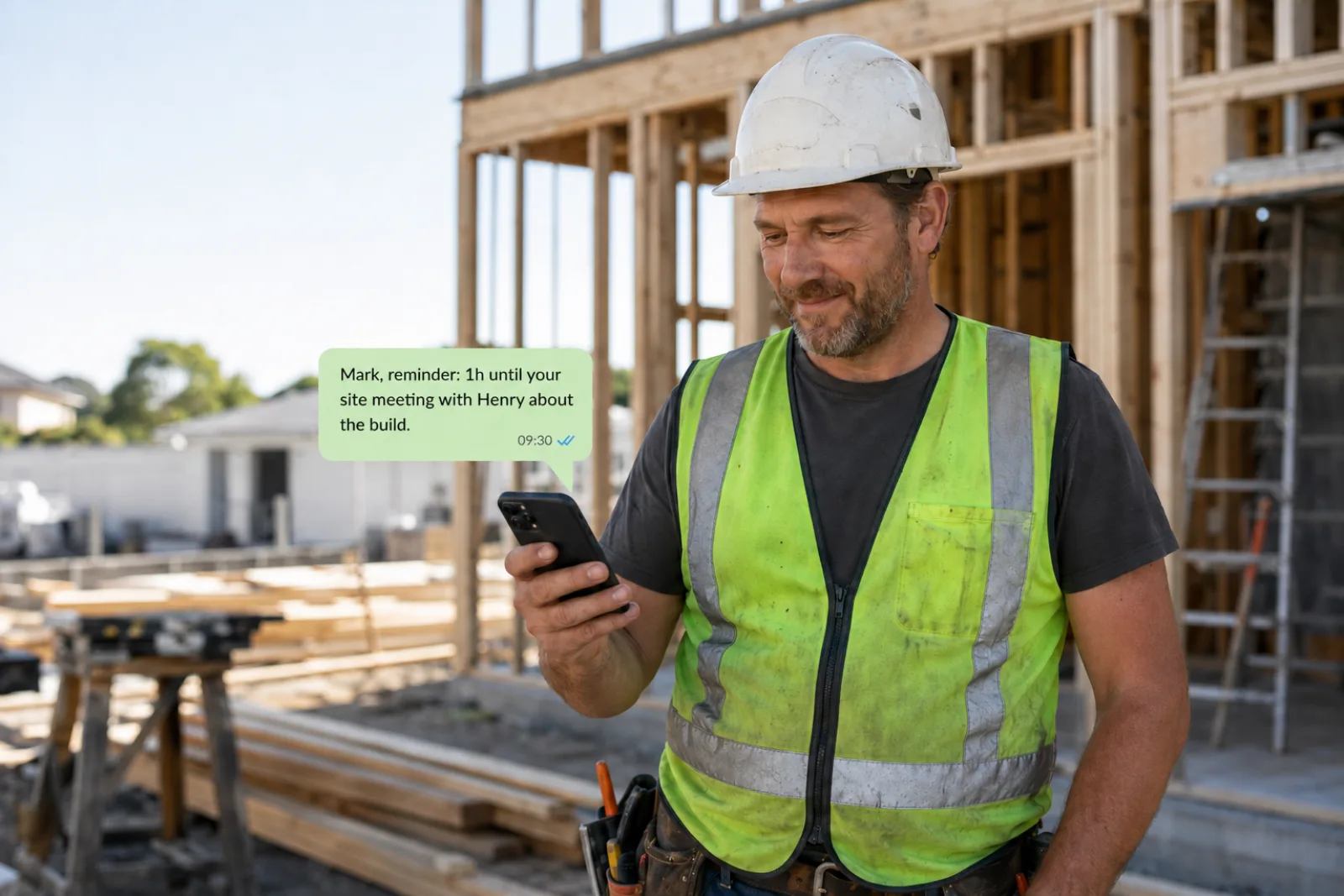
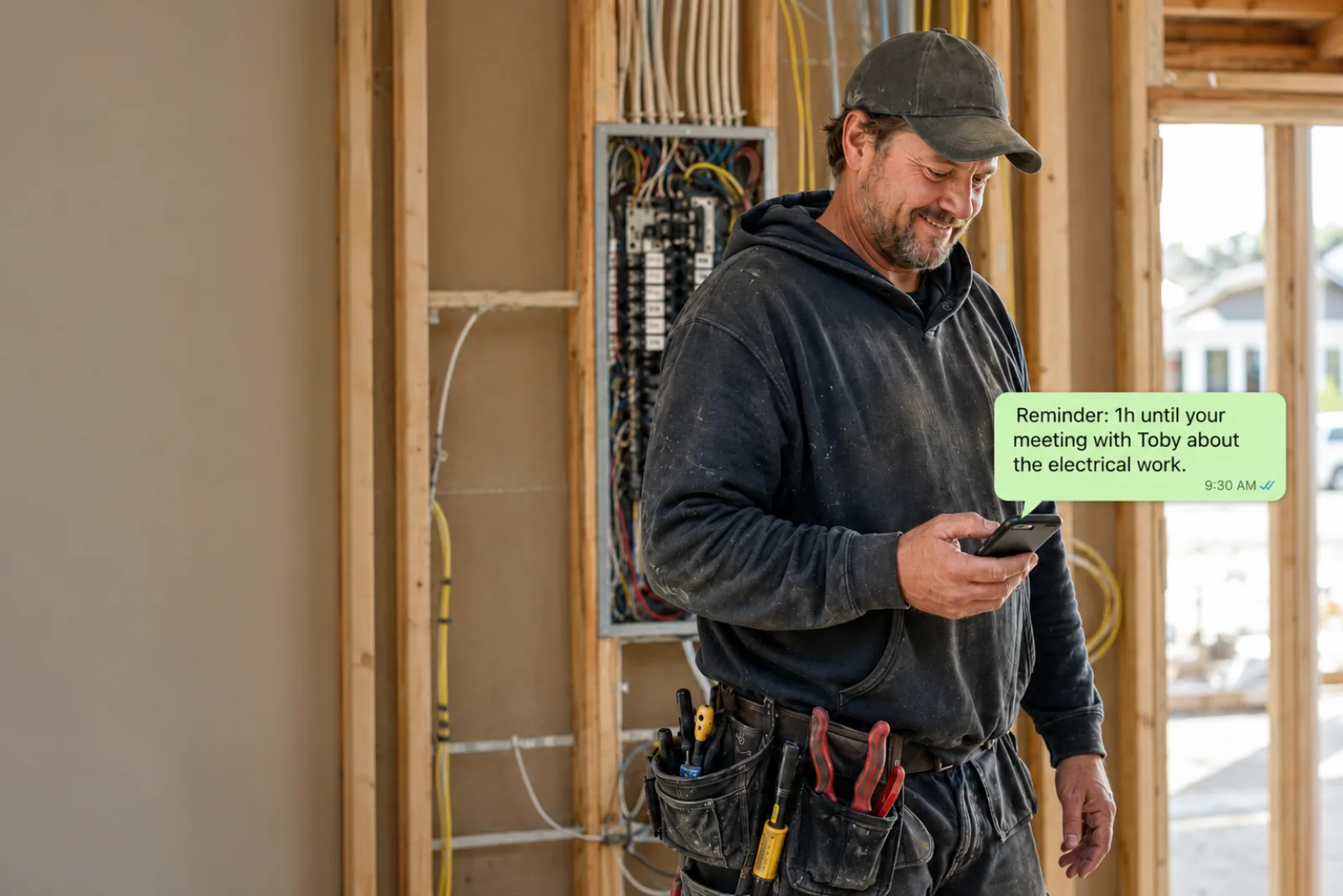
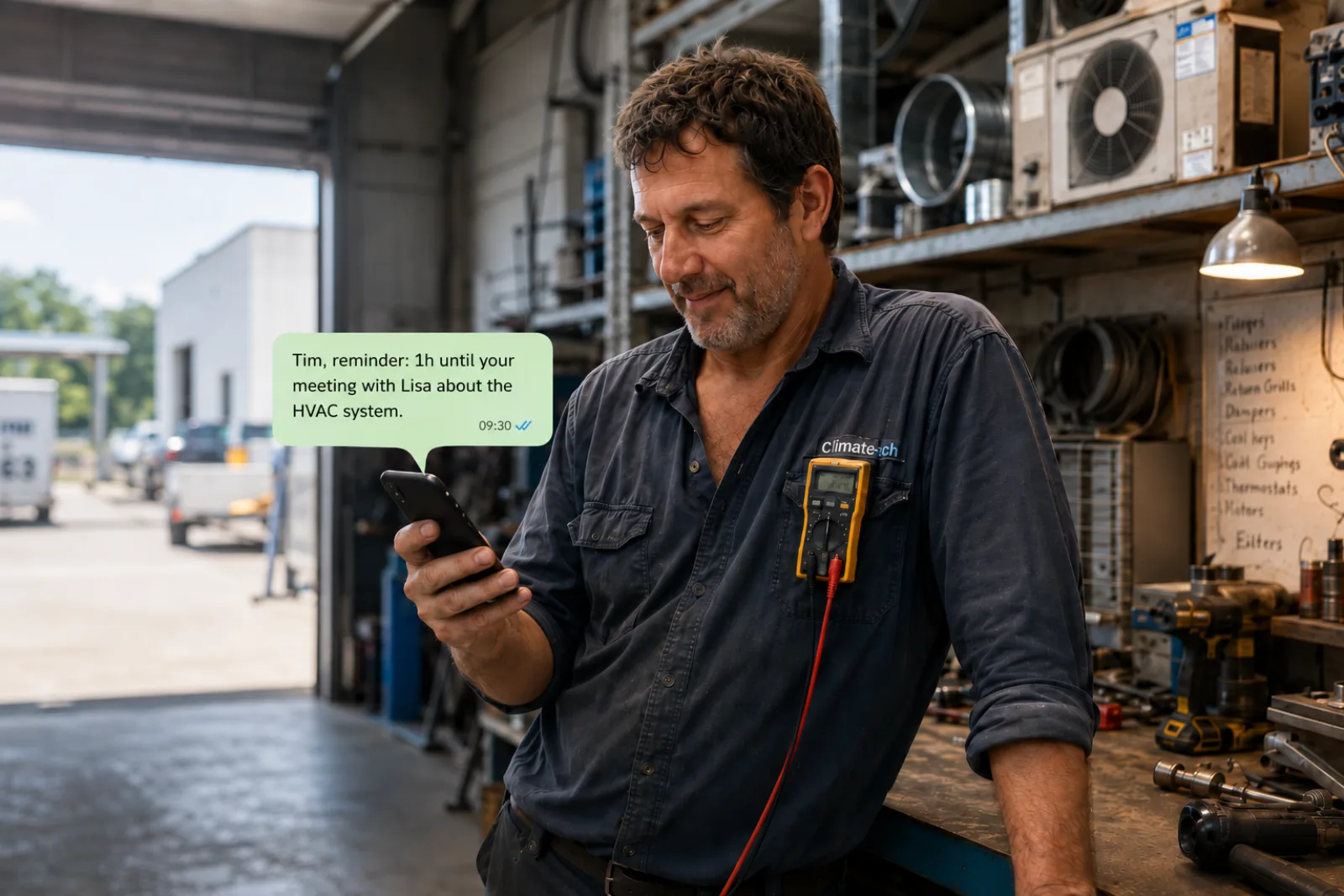
Reminds you before your own appointments. You decide how far in advance — 30 minutes, 1 hour, or the day before.

Quote follow-ups

Flags when a quote has been out more than 5 days without a reply. Drafts the follow-up message for you.

Job notes via WhatsApp

After a meeting, Kratt asks how it went. You reply in plain text. It captures client name, budget, next action — automatically.

Morning briefing

On days with appointments, Kratt sends you a summary at the time you choose. Who you're seeing, where, and any open quotes to flag.

Client history lookup

Ask Kratt about any client and it surfaces their project history, open quotes, and notes from previous meetings.

Google Calendar sync

Connects to your Google Calendar. New events are detected automatically — no manual entry needed.

Voice note transcription

Send a voice note instead of typing. Kratt transcribes it and pulls out the details — client, budget, next action.

Live feature
Weekly summary

Every Sunday, a digest of the week — jobs completed, quotes still open, and anything that needs your attention before Monday.

Coming soon
Call Kratt

Call Kratt hands-free from the job site. Dictate notes, check your schedule, or ask about a client — without stopping what you're doing.

Coming soon
IV  ·  What contractors say
V  ·  Pricing

One plan. Everything included.

$49
/ month
Everything included.
No contracts. Cancel any time.

Your first 30 days are $1. After that, $49/month automatically. Cancel before day 30 and you pay nothing more.

Start for $1 →

No setup fees  ·  No hidden costs

VI  ·  Common questions

Straightforward answers.

Your first 30 days cost $1. After that, you're charged $49/month automatically. Cancel any time before day 30 and you won't be charged again. No contracts, no lock-in.
People who put even a small amount of skin in the game actually set things up and get value from the product. The $1 is a filter for people who are serious — not a barrier. If Kratt doesn't work for you, cancel and you've spent $1.
No. Kratt works entirely through WhatsApp — the app you already use every day. No downloads, no logins, no new software to learn. If you can send a WhatsApp message, you're already set up.
Kratt connects to Google Calendar. Whatever scheduling tool you use — Calendly, HubSpot meetings, your phone — if it shows up in Google Calendar, Kratt sees it. Apple Calendar and Outlook are on the roadmap.
Yes. No contracts, no lock-in. Cancel any time from your billing portal. Your data remains accessible for 30 days after cancellation.
Yes. Kratt works for any contractor — roofing, plumbing, electrical, renovation, landscaping, general contracting. During setup you tell it your trade type and it adjusts how it works for you.

Stop losing jobs
to the noise.

Your next follow-up is probably already overdue. Kratt catches it so you don't have to.

Start for $1 →

No app to download  ·  Works through WhatsApp  ·  First 30 days $1